Organize lesson appointments
Use bookings to keep track of individual lesson times and the services you offer.
Practize for Tutoring
Bring lesson bookings, learner contact information and invoices together for your tutoring business.
Your working day
Use bookings to keep track of individual lesson times and the services you offer.
Keep the contact information you need for communicating about a lesson in client records.
Create service invoices for lessons without promising a separate education-management system.
Features and payment integrations depend on your plan, country and enabled services.
A look ahead
Ideas for Home, services, Blog and a booking handoff. Website publishing is not yet available.
Find your style
Explore layouts, colors and photography for your own business. These design references show independent brands; they are not live Practize websites.
Scroll through the collection. Select a design to view the full image.
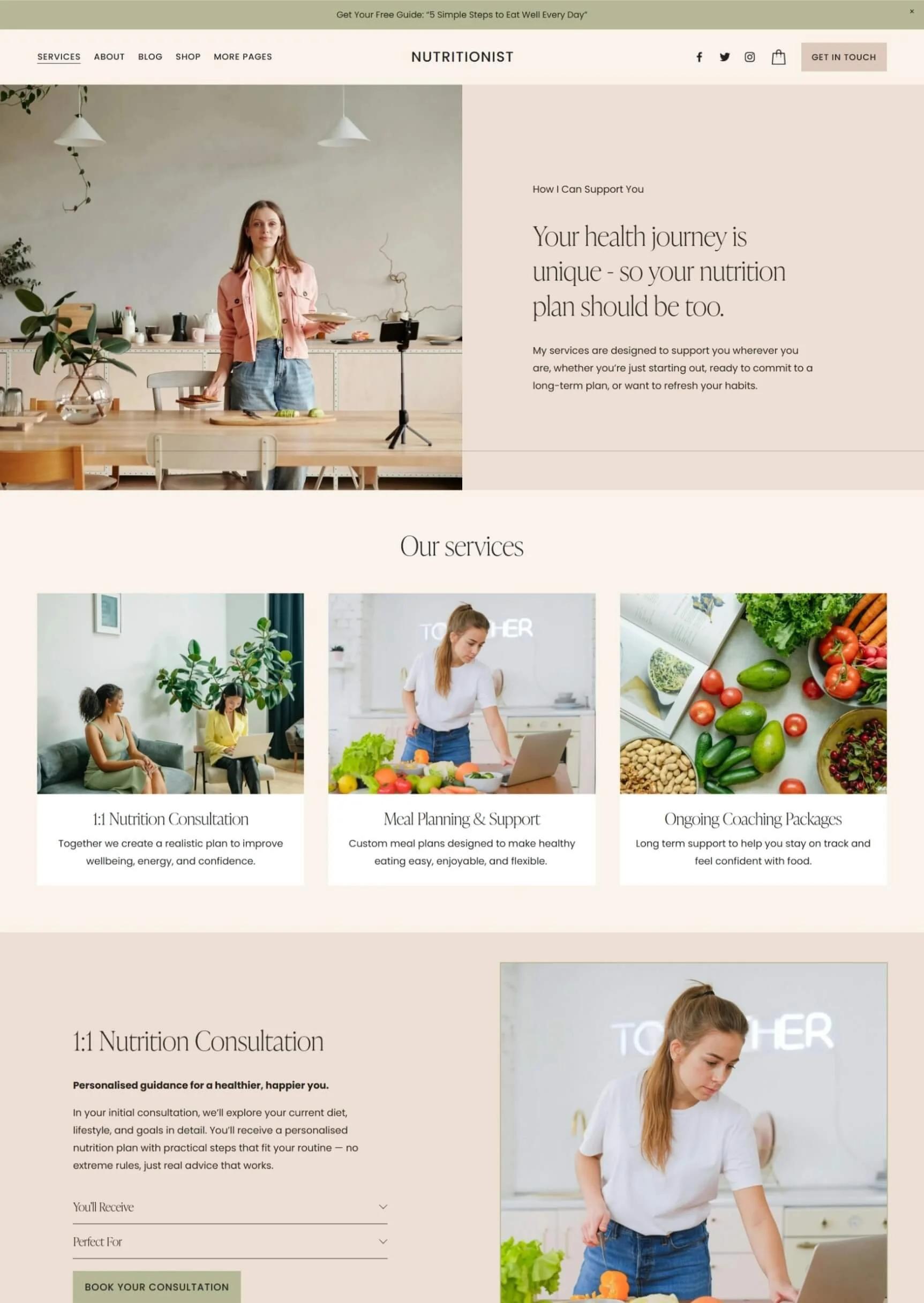
Soft colors and a personal introduction
View full design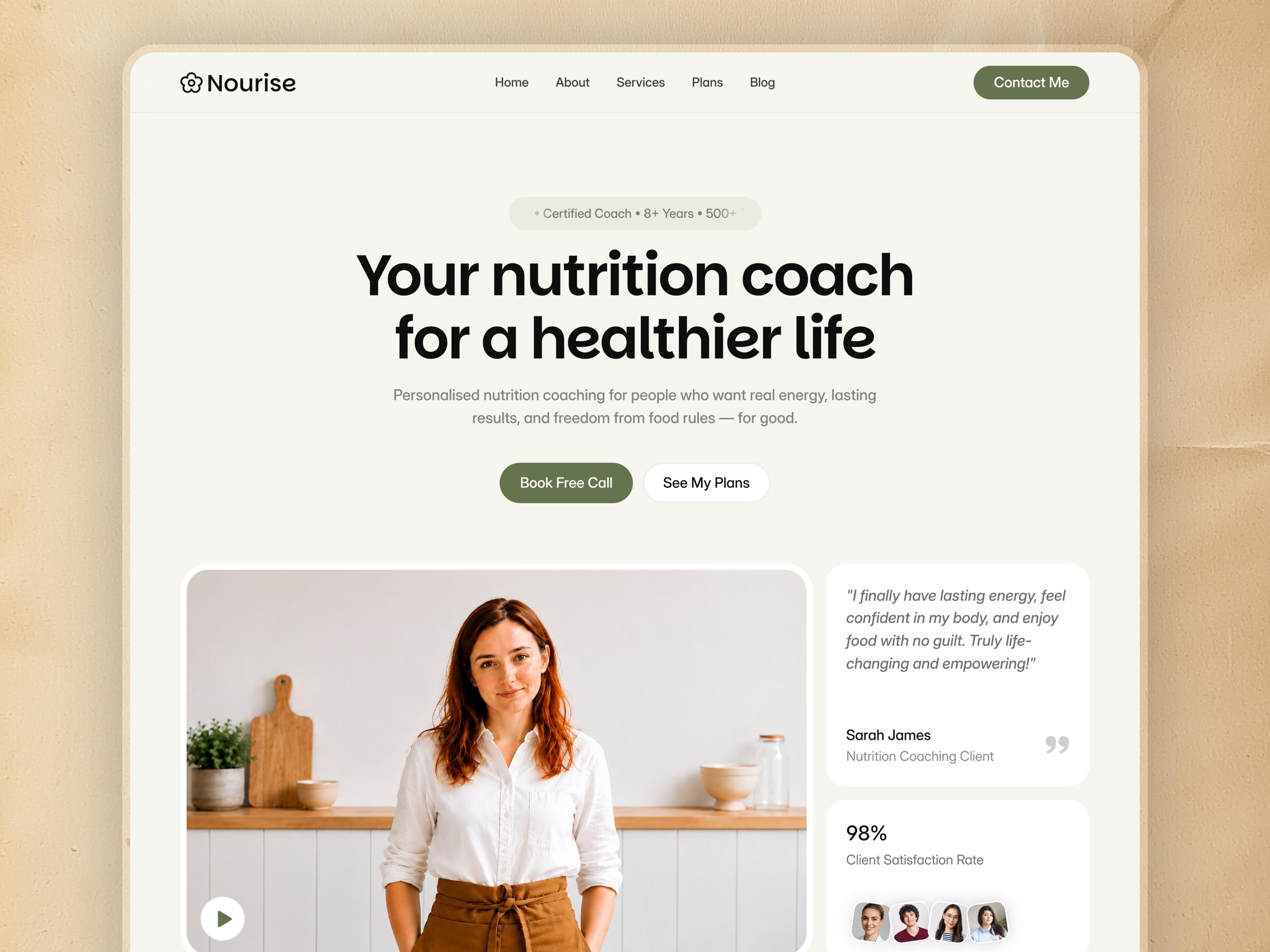
A clear welcome and room for your story
View full design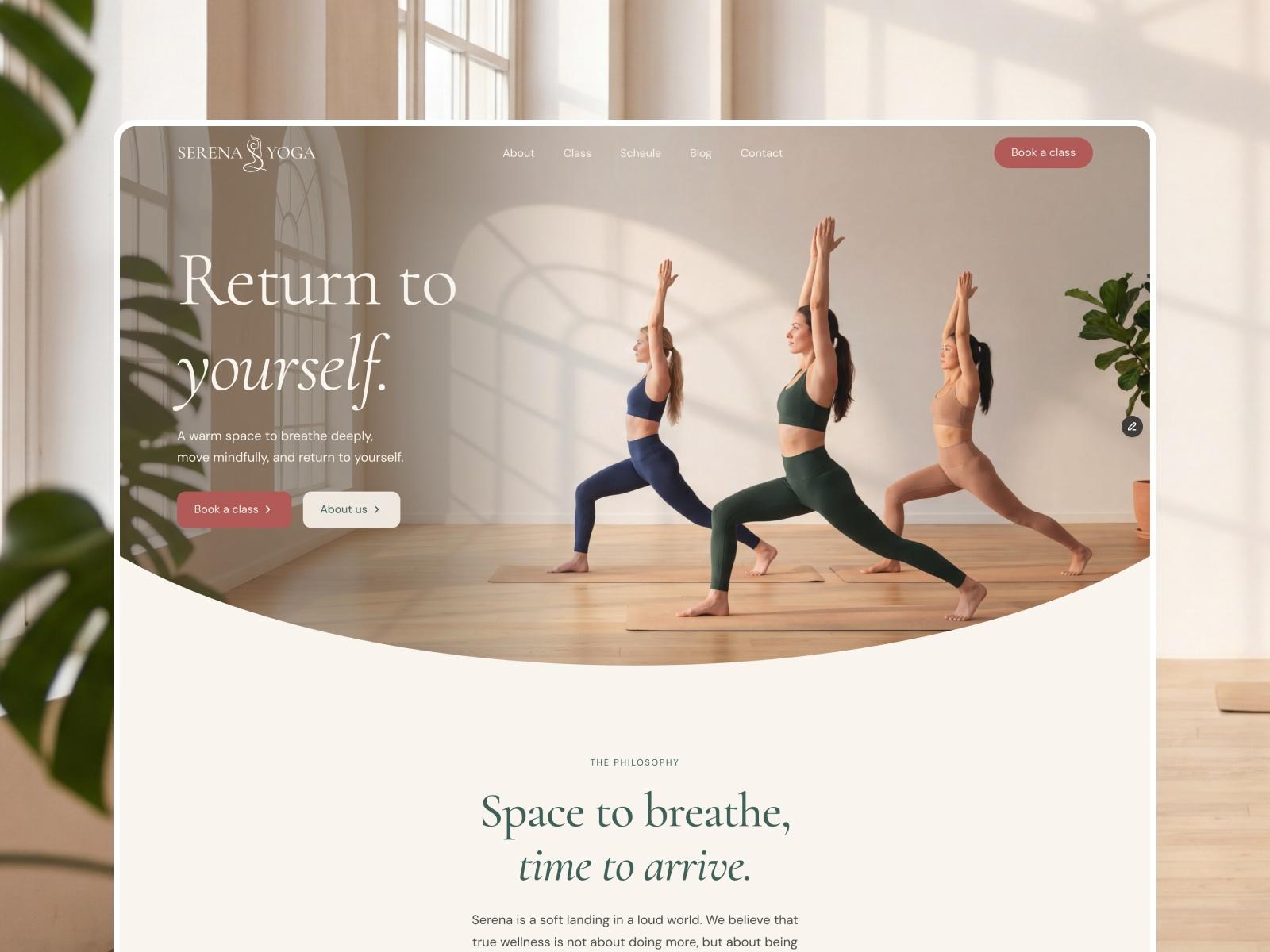
An immersive, light-filled introduction
View full design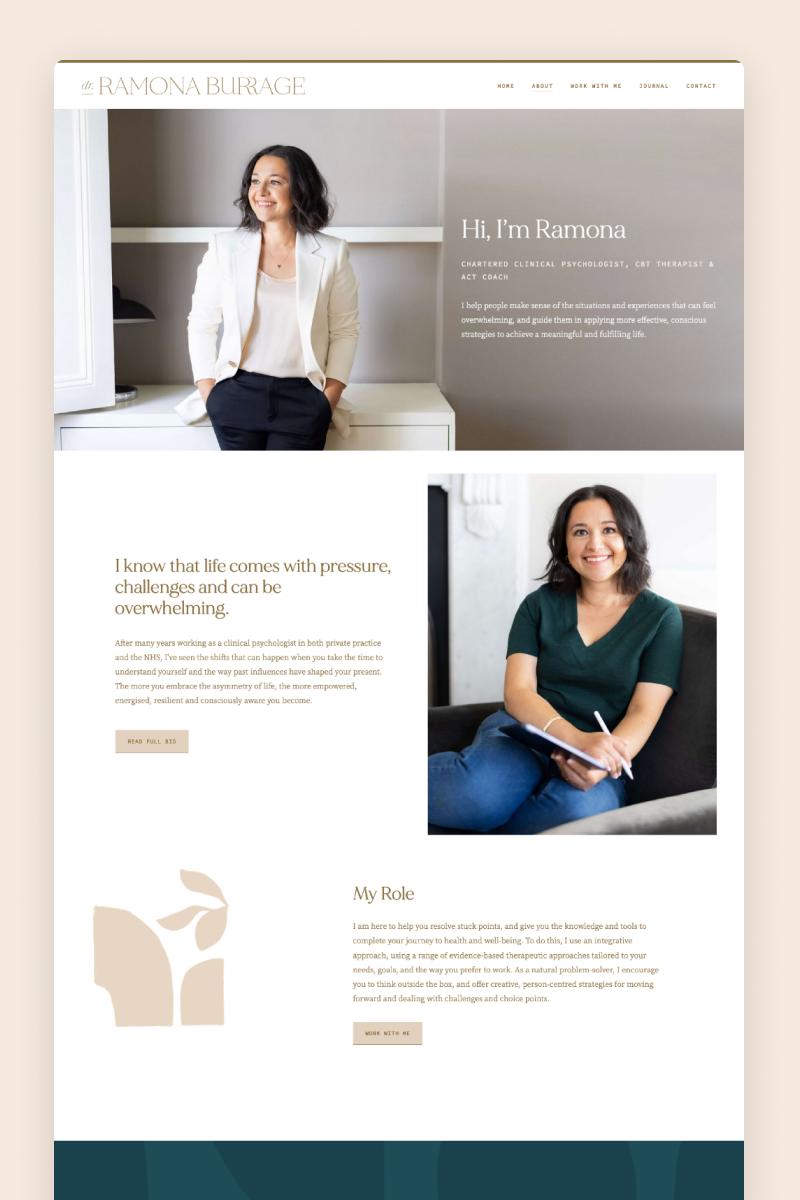
An approachable portrait and thoughtful typography
View full design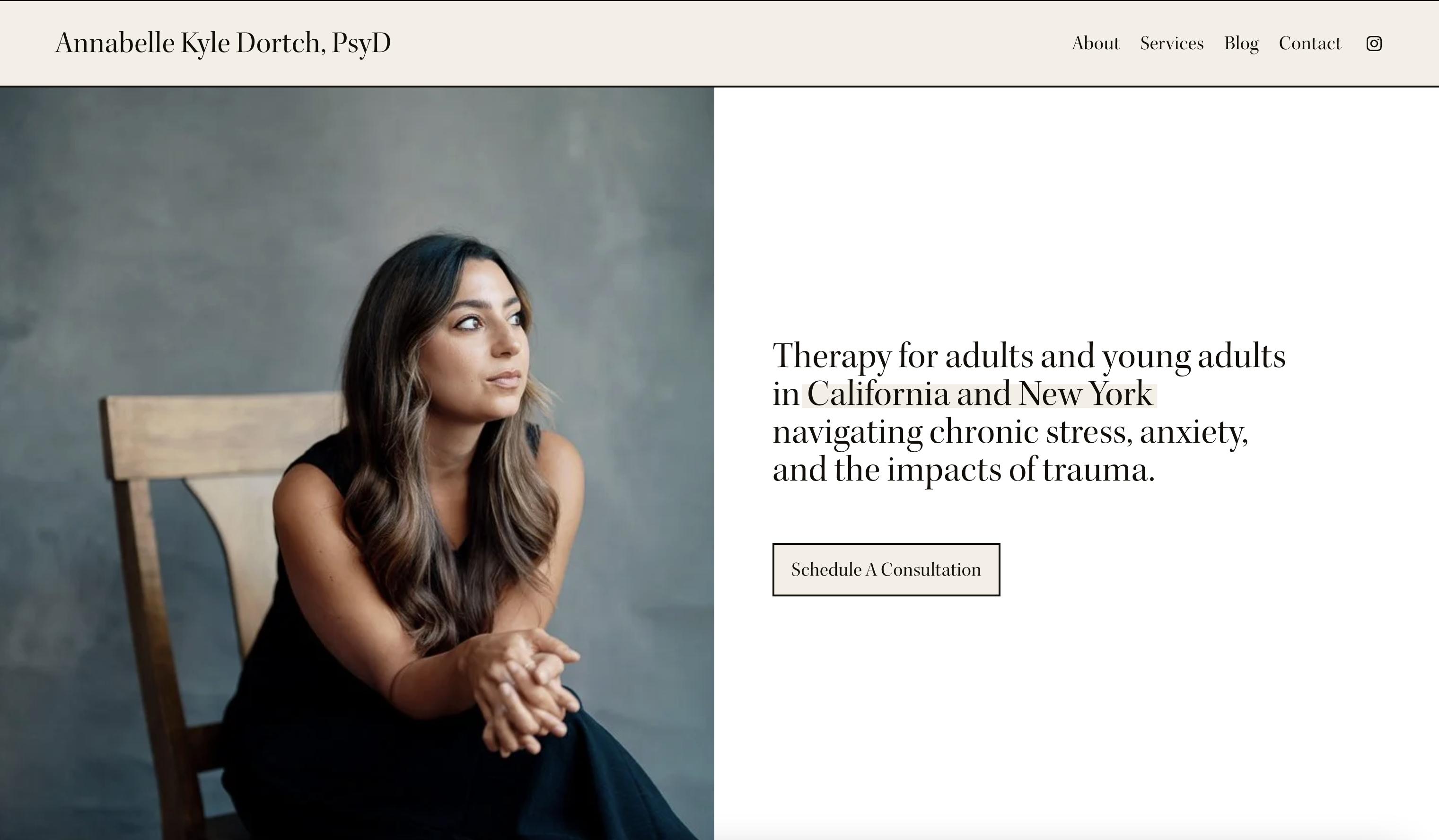
A focused message and a simple next step
View full design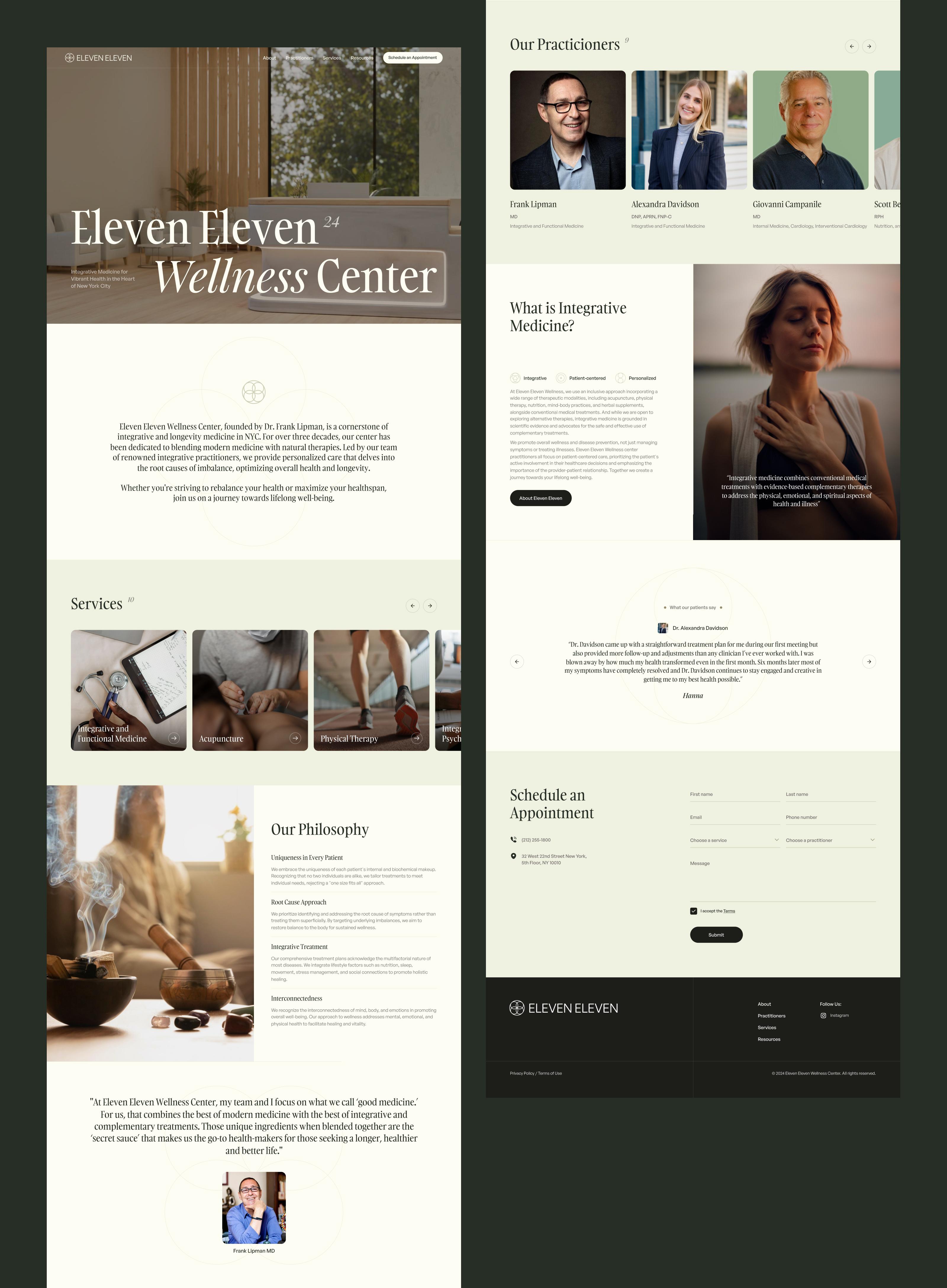
Services, practitioners and a calm visual rhythm
View full design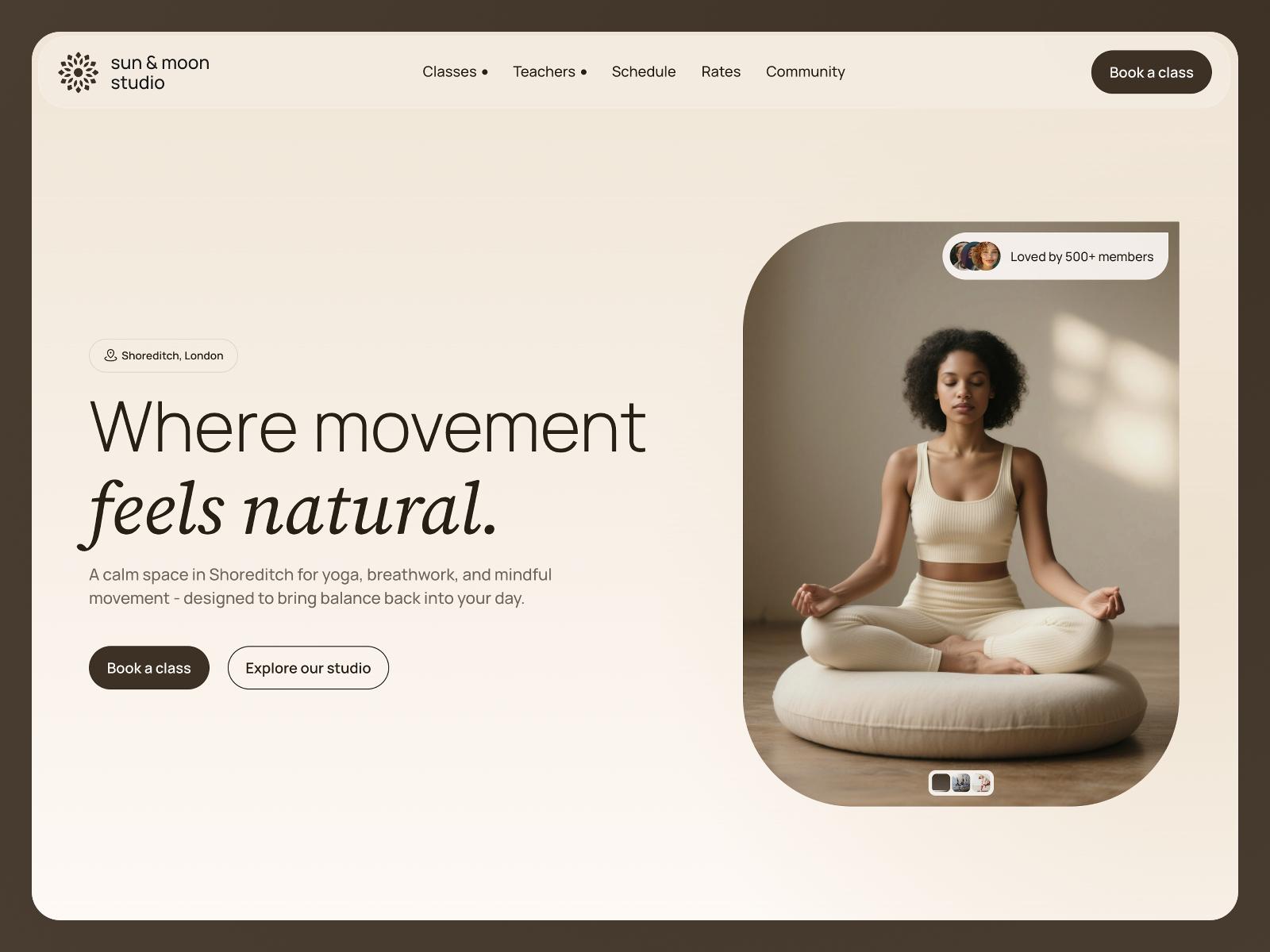
Warm neutrals and space to breathe
View full design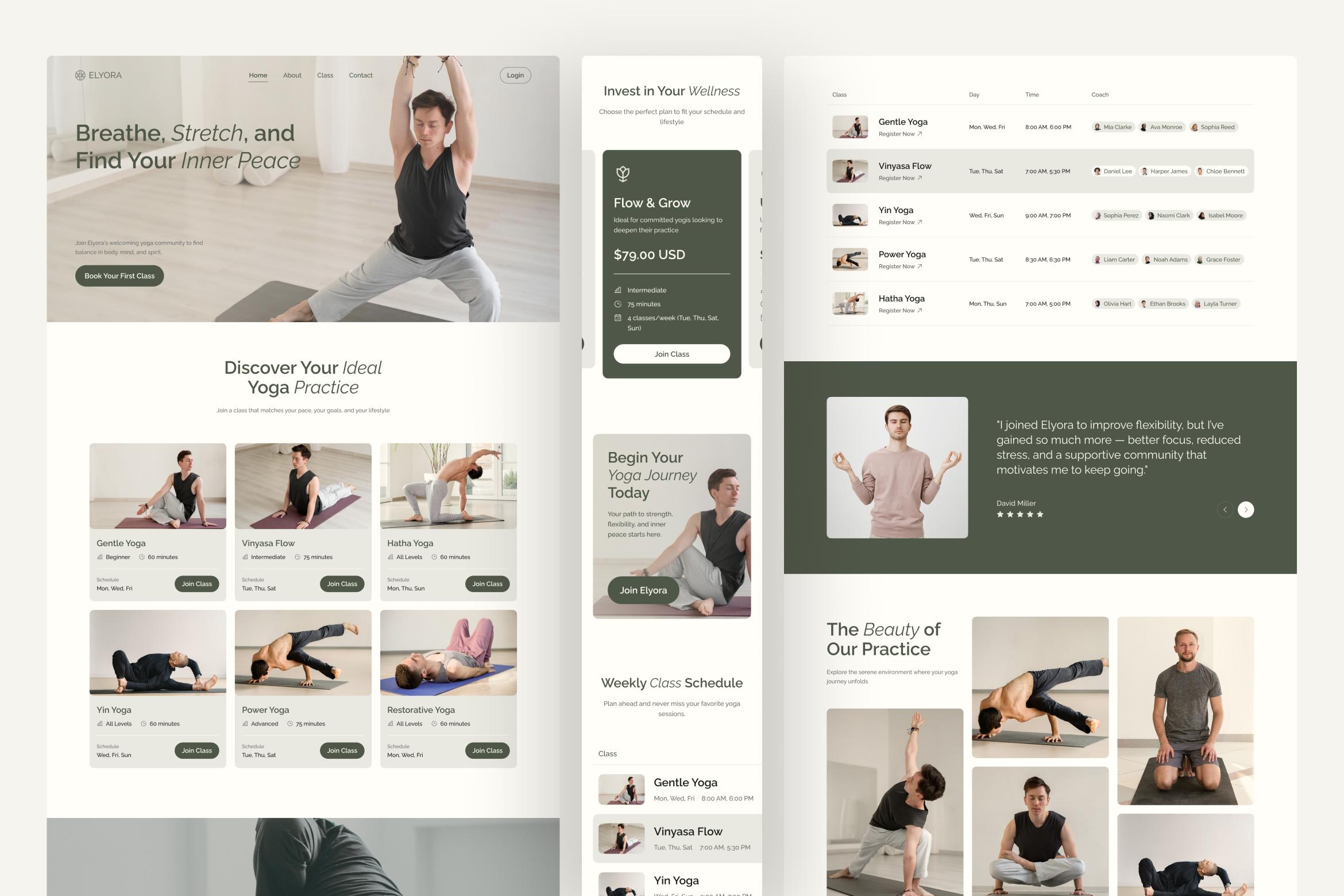
Classes and schedules brought together
View full design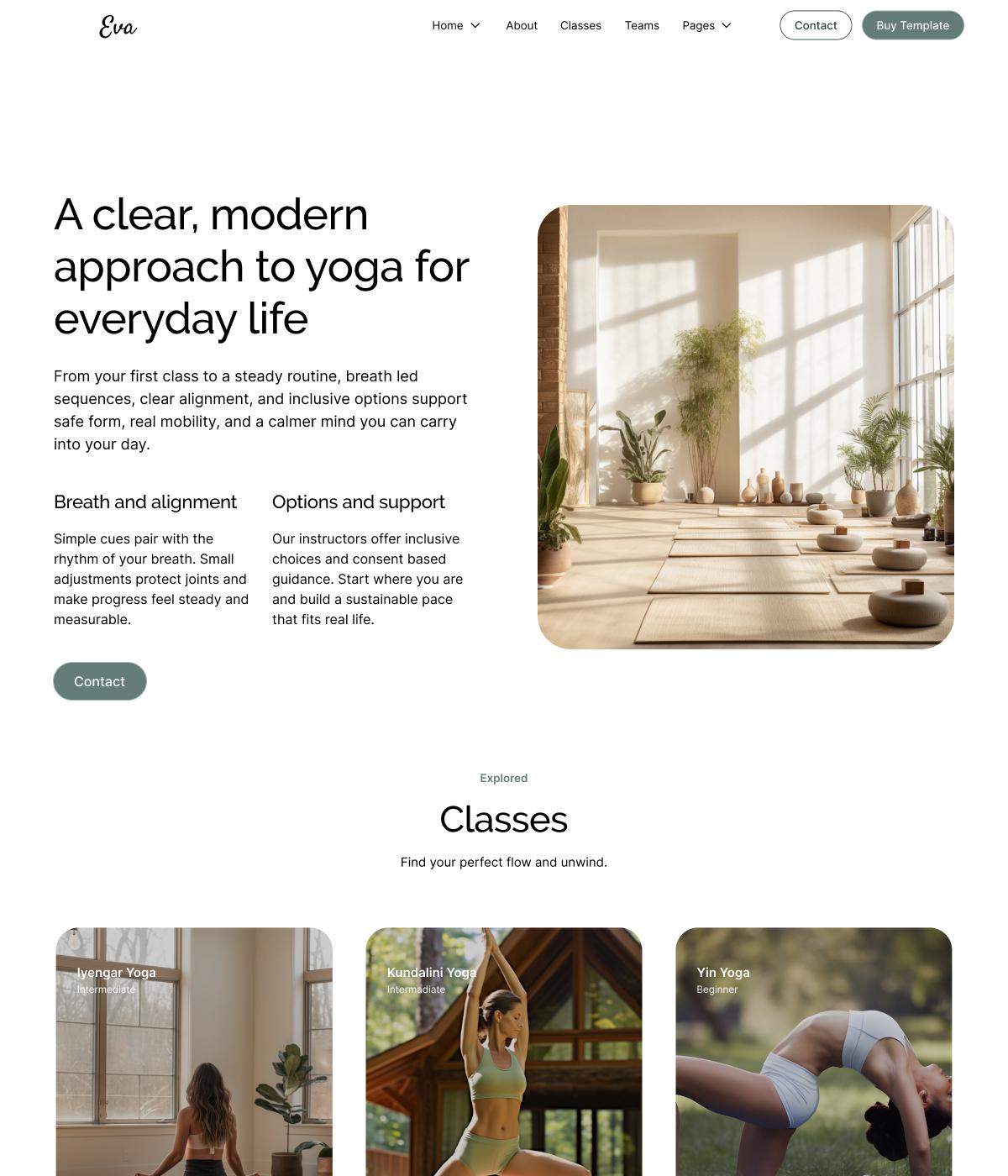
Clean layouts and inviting studio photography
View full design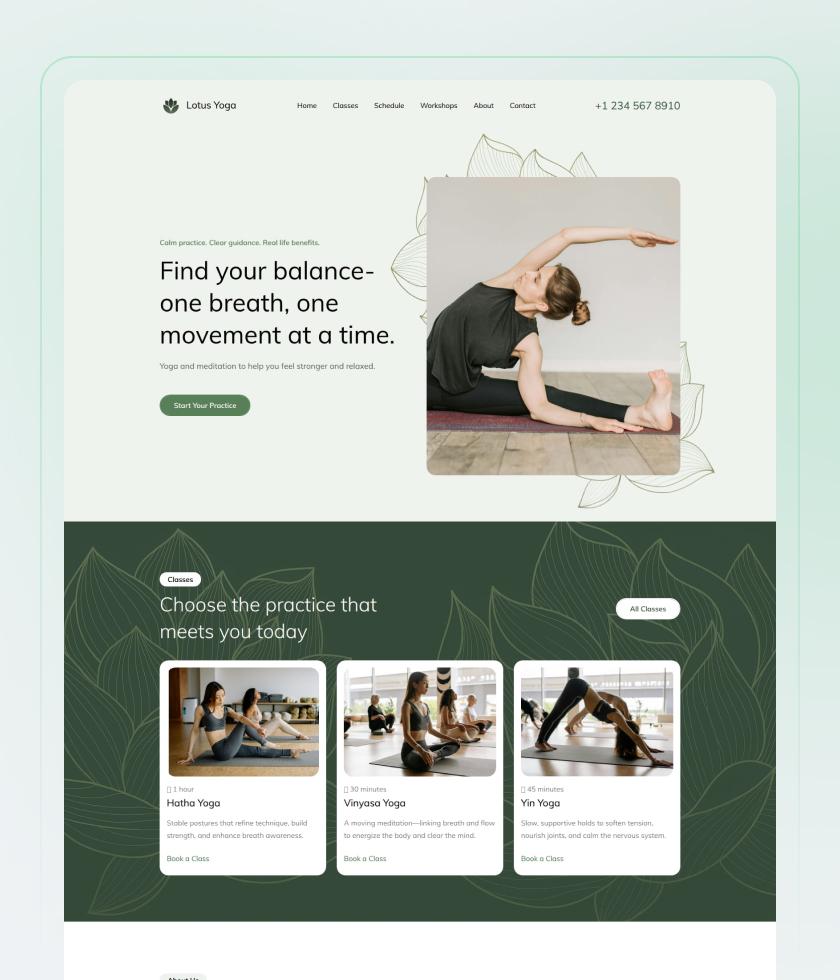
Botanical details and easy-to-scan class cards
View full design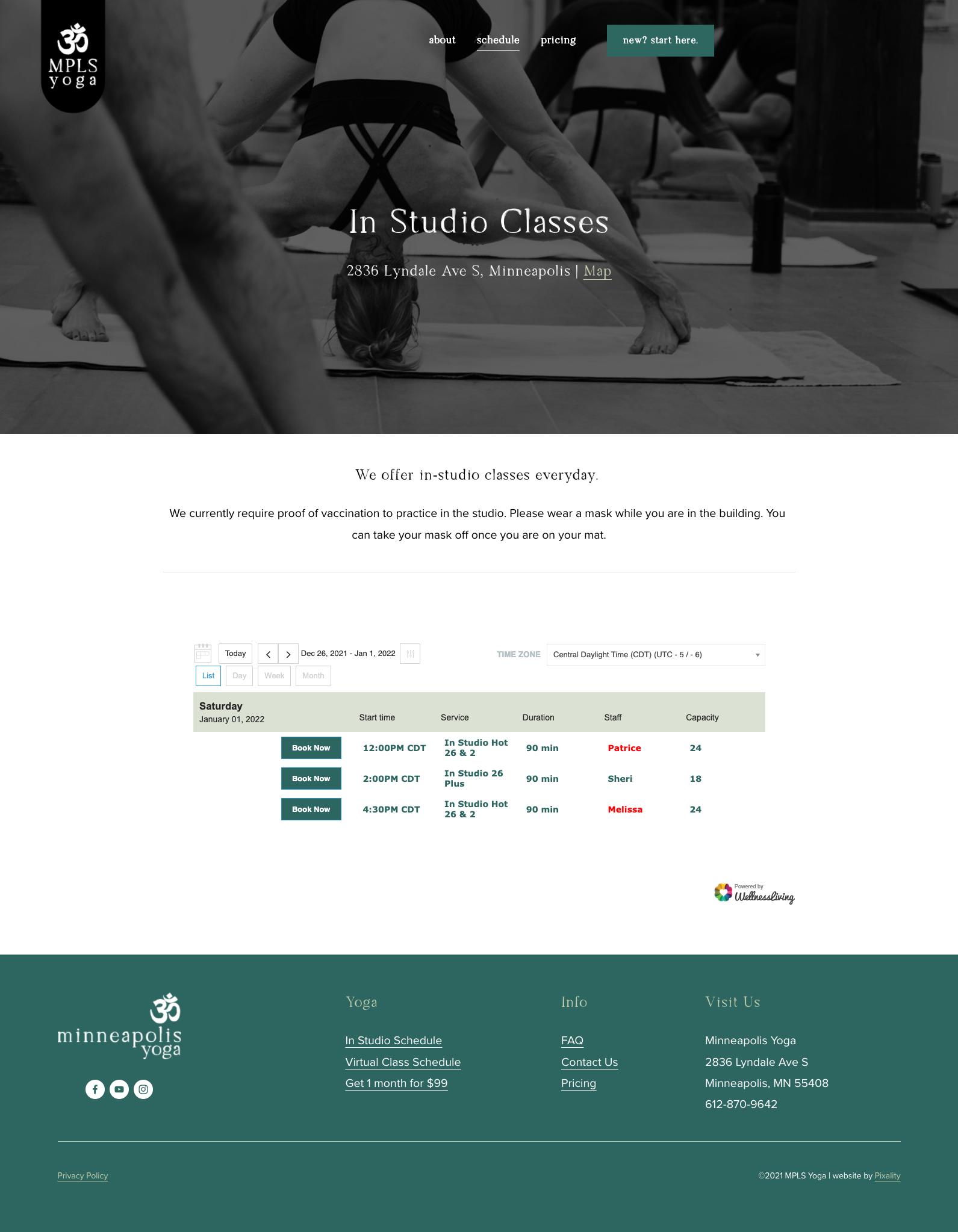
A bold introduction with a practical timetable
View full designPractical guide
Describe the subject, format, materials and scheduling details for a tutoring session.
Read the full guideNo. A dedicated tutoring onboarding type is not currently verified. Use the available manual choices that match your business; this page does not create a tutoring profile.
This page describes bookings, contact records and invoicing. It does not promise grading, assignments or a learning-management system.
Service information can distinguish the appointments you offer. Check the available setup and booking options for your account before publishing them to learners.
Explore bookings, client information and invoicing for your business.